
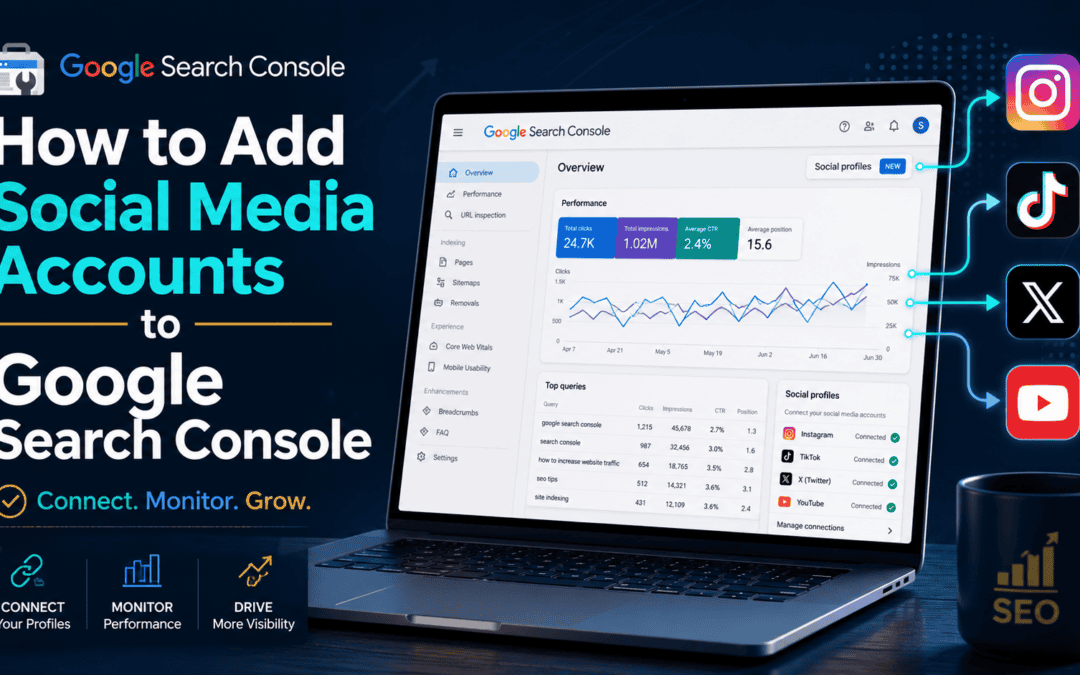
Google Search Console is no longer limited to tracking the performance of your website. You can also connect supported social media accounts and begin collecting data about how people discover that content through Google Search.
In this guide, you’ll learn how to add Instagram, TikTok, X and YouTube to Google Search Console so you can start reviewing search-query data for your social content.
Why Connect Social Media to Google Search Console?

Social media posts can appear in Google Search results, especially when they answer specific questions, target useful topics or support a broader content strategy.
Connecting your social accounts to Google Search Console can give you greater visibility into:
- The search queries people use to find your social content
- Which platforms are generating search visibility
- Which topics attract clicks and impressions
- How your website and social content support one another
- New opportunities to improve your SEO and content strategy
For small businesses, agencies and content creators, this adds another useful source of search-performance data.
Which Social Media Platforms Can You Add to Google Search Console?

As of this 2026 tutorial, Google Search Console supports four social media platforms:
- TikTok
- X, formerly Twitter
- YouTube
Additional platforms may become available in the future.
How to Add Social Media Accounts to Google Search Console

1. Log In to Google Search Console
Open Google Search Console and select the property dropdown in the upper-left corner.
This is the same menu you use to switch between websites and other properties connected to your account.
2. Select “Add Property”
Scroll to the bottom of the property menu and click Add property.
In addition to the standard website options, you should see the available social media platforms.
3. Choose the Social Platform You Want to Connect
Select Instagram, TikTok, X or YouTube.
Google will then ask you to sign in or authorize access to the selected account.
4. Authorize the Account
Follow the prompts to connect the social profile.
Depending on the platform, you may need to:
- Enter your username and password
- Confirm that you are already logged in
- Approve Google’s request for access
- Select the correct account or channel
Once the authorization is complete, Google Search Console should confirm that the property was added successfully.
How to Add Instagram to Google Search Console

Select Instagram from the available property options and follow the login prompts.
You may need to enter your Instagram username and password before approving Google’s access request.
Once connected, Instagram will appear as its own property inside Google Search Console.
How to Add TikTok to Google Search Console
Return to the property dropdown and select Add property again.
Choose TikTok, agree to the connection and continue through the authorization process.
If you are already logged into TikTok, you may be able to connect the account without entering your credentials again.
How to Add X to Google Search Console
Choose X from the social property options and authorize the connection.
After the account is approved, it will appear as another property you can access from the dropdown menu.
How to Add YouTube to Google Search Console
Select YouTube from the available options.
If your Google account manages multiple YouTube channels, pay close attention to which channel you choose. Make sure you connect the channel you want to track before completing the setup.

How Long Does It Take for Data to Appear?
Google Search Console may need up to 48 hours to begin collecting and displaying information for a newly added social property.
You may not see useful performance data immediately after connecting the account. Give Google time to process the property, then return later to review the available insights.
What Data Can You Use?
Once data becomes available, you may be able to review search queries and other performance information related to your social content.
This can help you identify:
- Topics people are already searching for
- Social posts that earn search visibility
- Content ideas worth expanding
- Keywords that could support future videos, posts or webpages
- Opportunities to repurpose strong content across platforms
For example, a search query that generates visibility for a YouTube video could also become the basis for a blog post, FAQ, service-page section or short-form social post.
How This Supports Your SEO Strategy
The biggest benefit to your SEO content strategy is not simply having more data. It is being able to connect the dots between your website, social media and search strategy.
A strong content ecosystem can include:
- A detailed article on your website
- A YouTube video explaining the topic
- Short-form clips for Instagram or TikTok
- Supporting posts on X
- Updated website content based on new search-query data
Instead of treating each platform separately, you can use them together to build topical authority and increase the number of ways potential customers can discover your business.
Connect Your Social Media Accounts to GSC Today!
Adding social media accounts to Google Search Console only takes a few minutes, but it can give you another valuable view of how people find your content.
Connect your Instagram, TikTok, X and YouTube accounts, allow up to 48 hours for data collection and then use the search-query insights to guide your broader SEO and digital marketing strategy.
The more clearly your website and social channels reinforce the same topics, services and expertise, the easier it becomes for search engines and potential customers to understand what your business offers.
Learn How to Use Social Media and SEO Together
Want to build a stronger search strategy across your website, YouTube channel and social media accounts? If you're a small business looking for experts to help, then check out our SEO Services.
Or, if you're a SEO DIYer, join the BKA Content SEO and Digital Marketing Academy for practical courses, SEO tools, reusable prompts, live Q&A sessions and guidance from experienced strategists.

- How to Add Social Media Accounts to Google Search Console - July 30, 2026
- You’re Tracking SEO Keywords Wrong: Why You Should Track by URL Instead - June 11, 2026
- How to Track AI Traffic in Google Analytics (Step-by-Step Tutorial) - March 24, 2026
