Key Takeaways
- The Google Business Profile significantly influences local searches; nearly 44% of users click on it in the map pack.
- Optimizing your Google Business Profile involves categories, descriptions, and services that accurately reflect your business.
- Ensure your primary category aligns with your services to improve search relevance and visibility in the map pack.
- Use your profile description to clearly state who you are, where you operate, and the services you provide, avoiding keyword stuffing.
- List all legitimate services and locations you serve to enhance your chances of appearing in relevant searches.
Why the Google Map Pack Matters for Local Businesses
When you search for something like “plumber near me,” where do you actually click?
For most people, it is not the blue organic links.
Roughly 44 percent of local searchers click directly on a business inside the Google Map Pack, which shows Google Business Profiles for relevant local businesses. They do not scroll past it. They choose who to call and where to go based on what appears in that map section.
That means nearly half of your potential customers may never see your website if your Google Business Profile (GBP) is not optimized. Instead, they are choosing competitors who show up in the map pack.
If your GBP is not set up correctly, you are missing phone calls, leads, and revenue.
In this post, we are going to walk through three Google Business Profile SEO tips that can help you rank higher in the Google Map Pack.
The Three Google Business Profile SEO Tips We Will Cover
These are not advanced tactics or shortcuts. They are foundational elements that many businesses overlook or get wrong.
Here is what we will cover:
- How to optimize your Google Business Profile categories
- How to optimize your Google Business Profile description
- How to select the right services and locations
Why Your Google Business Profile Is So Important
Your Google Business Profile is one of the strongest local SEO assets you can control. It is also completely free.
At its core, your GBP helps Google answer three key questions:
- What does this business do?
- Where does this business operate?
- Is this business relevant to the search a user just made?
If Google cannot clearly understand those answers, it will not confidently rank your business in the map pack.
One of the biggest problems we see is that many businesses either leave sections incomplete in their Google Business Profile or fill them out incorrectly. That makes it harder for Google to understand what the business actually offers.
Let’s fix that.
GBP SEO Tip One: Optimize Your Google Business Profile Categories
Your business categories are one of the most important signals you send to Google. They tell Google what type of business you are, not what you want to rank for, but what you actually are.
Inside your Google Business Profile, click “Edit profile.” Directly under your business name, you will see your categories. One of them will be labeled as your primary category.
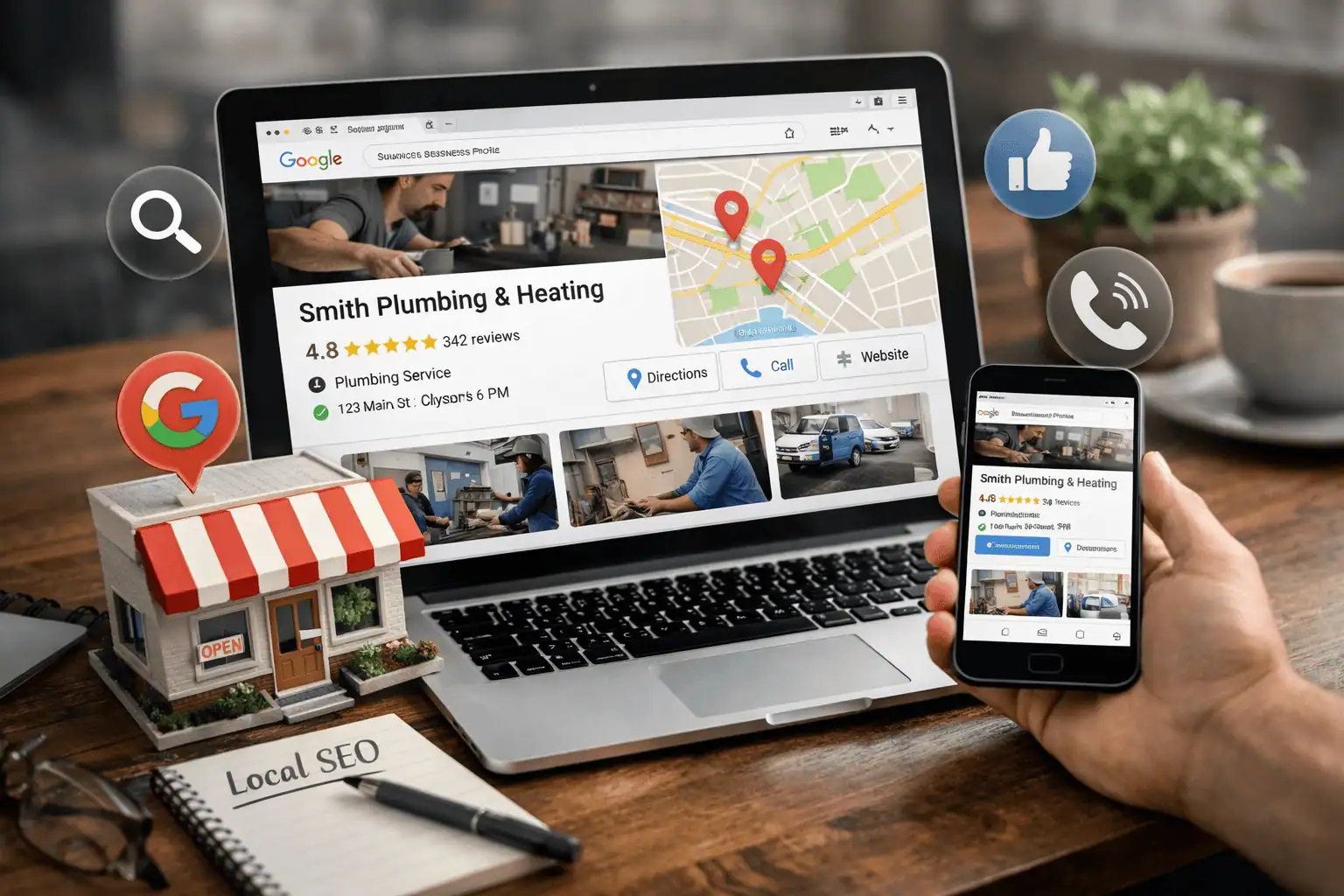
Your primary category is the single most important category you choose.
Google also allows you to add several additional categories. In most cases, you can add five to seven relevant secondary categories.
A few best practices to follow:
- Choose categories that reflect the real services you offer
- Make sure your categories align with how customers search
For example, a home builder might use “Home builder” as the primary category. A relevant secondary category could be “Real estate developer” if that reflects how some customers search.
What you do not want to do is fill every category slot with unrelated options. Fewer relevant categories are better than many irrelevant ones.
If you are unsure which category to choose, look at your competitors. Search for your main service, look at the businesses in the map pack, and see what primary category they are using. If all top competitors share the same primary category, that is usually not accidental.
GBP SEO Tip Two: Optimize Your Google Business Profile Description
Your Google Business profile description is not a place for keyword stuffing.
Its purpose is to clearly explain what you do and where you do it so both users and Google understand your business.
A simple formula works well here:
- Who you are
- Where you provide services
- What services you offer
Use as much of the available character space as you reasonably can, but keep it readable.
If you are a service-based business, mention your service areas early in the description. Choose your most important five to seven locations. Listing too many cities can look spammy and create confusion.
After locations, clearly outline your main services. Then, if space allows, you can include trust-building details such as years in business or experience.
A few important guidelines:
- Use keywords naturally
- Mention locations and services early
- Do not include links, phone numbers, or emojis
Your phone number belongs in the contact section, not in the description. Emojis and links waste valuable character space.
We have seen businesses improve their map pack rankings in as little as a few weeks simply by optimizing this one section properly. It is not something to overlook.
GBP SEO Tip Three: Select the Right Services and Locations
This is one of the most commonly missed opportunities in Google Business Profiles.
Many businesses only list one or two services and a single location. In reality, most service-based businesses serve multiple areas or attract customers from surrounding cities.
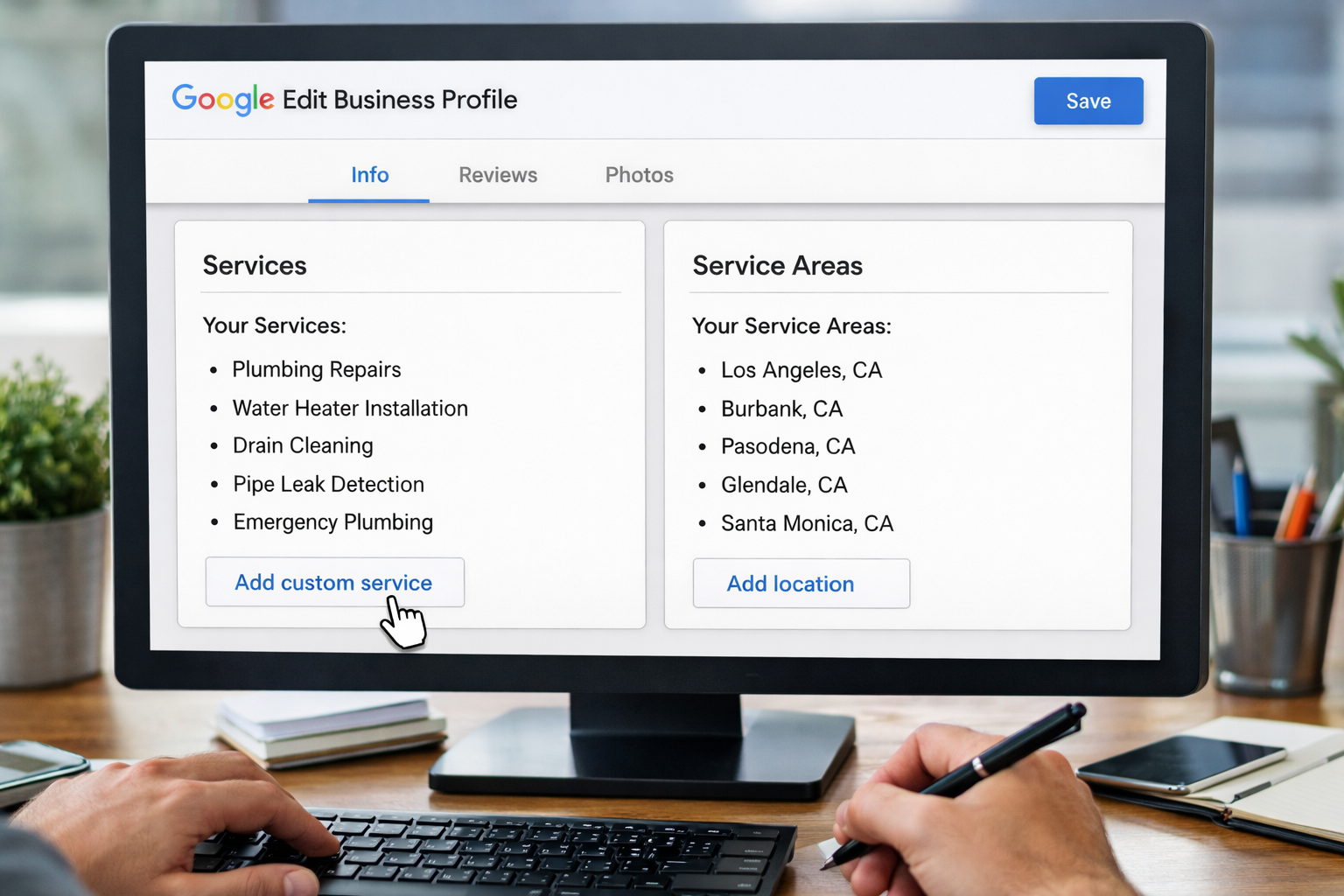
Inside your profile, go to “Edit services.” Google will automatically suggest some services based on your profile, but you can add more.
If a service your customers search for is not listed, you can add a custom service. This is especially important if your industry uses specific terms that Google does not automatically suggest.
For locations, go back to “Edit profile” and click on the “Location” tab. Add all cities and areas that you actually serve. Do not add locations you do not service.
Why this matters:
When someone searches for a service, they usually include a location. If your service area does not include that city, Google has no reason to show your business for that search.
By listing all legitimate service areas, you give Google the data it needs to match your business with the right searches.
Best practices here are simple:
- Add every service you actively provide
- List every location you genuinely serve
How These Three Tips Work Together to Boost Your Google Business Profile Ranking
Local SEO works best when all parts of your profile tell the same story.
Your categories define what your business is.
Your description reinforces relevance and context.
Your services and locations confirm coverage.
When everything aligns, Google has confidence in when and where to show your business in the map pack. That consistency is what leads to reliable local visibility.
Unlock The Best Local SEO Course
If this post made you realize there is more to local SEO than just your Google Business Profile, you are right.

That is exactly why we built our free Skool community. Inside, you can access the best local SEO course that breaks down the full system our team uses to help clients improve local rankings.
You can join the free community using the link below.
Or, if you want SEO experts to help do all this for you, contact our Local SEO services experts to get a FREE SEO content audit and consultation to outline what a custom local SEO package might look like for you!

- The Hidden SEO Problem That Content Couldn’t Fix - March 30, 2026
- BKA Content Co-Founder Speaks About SEO At Weber State University - March 18, 2026
- The SEO Strategy That Generated 15,000 Rankings - March 9, 2026